Medical Alert Systems vs Apple Watch Fall Detection: Which Is Better for Seniors?
By Simon Peter Lokomo, MPH — Public Health
Last reviewed: July 2026
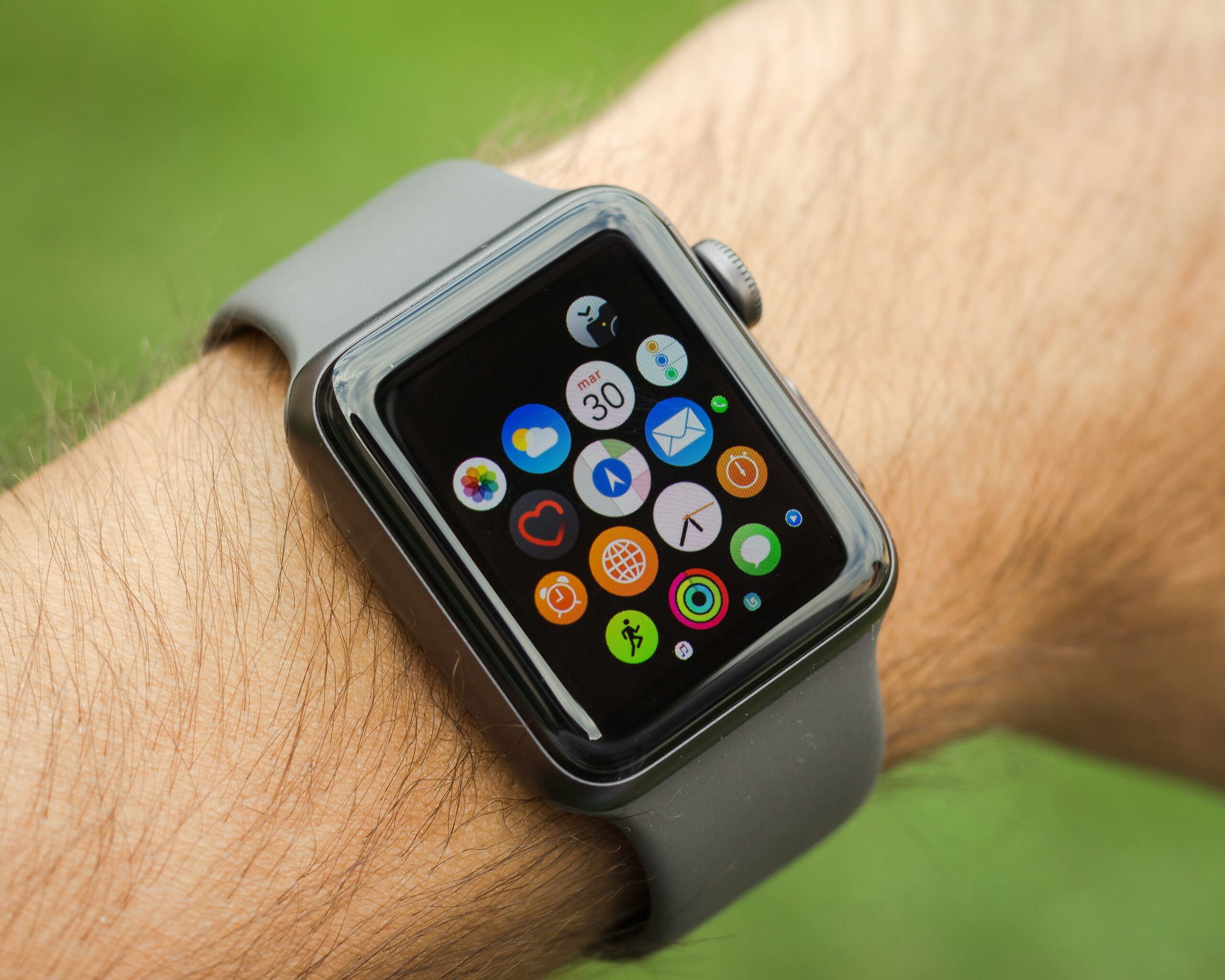
For someone whose main goal is fall protection, a dedicated medical alert system is the safer choice and it’s not especially close. The deciding difference isn’t the gadget; it’s what happens after a fall. A medical alert connects to a 24/7 monitoring center staffed by people trained to respond, who know who you are; the Apple Watch calls 911 directly, with no operator who knows your history or can reassure you. Add that the Watch catches only harder falls and needs daily charging, and it’s a brilliant smartwatch with a safety feature, not a safety device with a smartwatch attached. That said, for a tech-comfortable, active older adult who also wants health tracking, the Watch has a real place.
This comparison comes up constantly because the Apple Watch looks like it does the same job for a one-time price instead of a monthly fee. Sometimes it’s close enough. Often it isn’t. Here’s how to tell which situation you’re in.
What’s the real difference between them?
Who answers when something goes wrong. This is the heart of it. When a dedicated medical alert detects a fall or you press the button, it connects to a professional monitoring center. A 24/7 call center of trained agents who can talk to you, know your medical details and emergency contacts, judge the situation, and dispatch help or call family as needed. When an Apple Watch detects a fall and you don’t respond, it calls emergency services directly and plays an automated message with your location. Useful, but no human knows you, no one to call your daughter instead of an ambulance for a minor stumble, and no reassuring voice while you wait.
A medical alert system sells you a service (monitoring), with the device as the way to reach it. An Apple Watch sells you a device, with fall detection as one feature. That’s why one has a monthly fee and the other doesn’t and it’s the single biggest factor in which is safer for a person at real fall risk.
How accurate is Apple Watch fall detection, really?
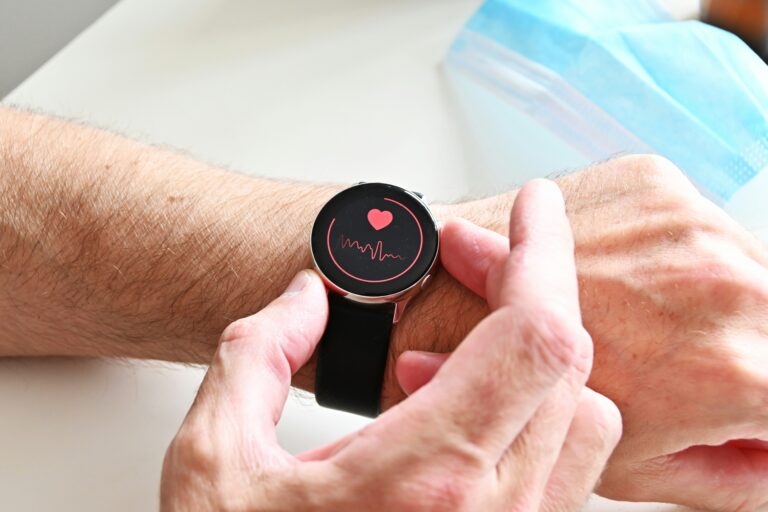
Better than it used to be, but not good enough to rely on for someone who falls. Independent testers keep finding the same thing: the Apple Watch reliably catches hard falls, a solid impact, but misses softer ones, the slow slides and crumples that are common in older adults. In one hands-on test the Watch caught six of ten falls; in another, a tester couldn’t trigger it even after genuinely falling down several steps and getting hurt. The reason is placement: the wrist is one of the least accurate spots for fall detection, because normal arm movement both hides real falls and triggers false alarms (wave your arms or bump a doorway and it may think you fell). By contrast, sensors worn on the torso or pelvis reach roughly 95% accuracy in research.
This is why neither of the two most rigorous review teams; NCOA and SafeHome, recommends the Apple Watch as a medical alert device, despite rating it a superb smartwatch. It’s not that fall detection doesn’t work at all; it’s that “works most of the time for hard falls” is a different standard than you want for the one moment it matters.
The battery problem nobody mentions
An Apple Watch needs charging roughly every day and a device on the charger protects no one. This is the quiet dealbreaker. Many falls happen at night or in the early morning, and getting up in the dark to the bathroom is one of the riskiest moments of the day. If the Watch is on its charger overnight, it can’t detect anything. Dedicated medical alerts are built around this: pendants and wristbands last days between charges, and in-home systems run on a base station with battery backup, so they’re never off during the exact window when protection matters most.
The best device is the one actually on the body when a fall happens in the shower, overnight, in the early morning. An Apple Watch charging on the nightstand and a pendant left in a drawer protect equally: not at all. Before comparing features, be honest about whether the person will keep the device on and charged.
Side-by-side: which fits your situation?
Match the choice to the person, not the marketing. The table sums up where each genuinely wins.
| Factor | Dedicated medical alert | Apple Watch |
|---|---|---|
| Who responds | 24/7 monitoring center that knows you | Direct 911 call, automated message |
| Fall-detection accuracy | Higher on pendant/waist devices | Hard falls mainly; misses softer falls |
| Battery | Days; base station has backup | ~1 day; must charge daily |
| Cost | ~$25–$45/mo + $5–$15/mo fall detection | ~$399+ upfront, no monthly fee (cellular plan extra) |
| Ease for non-techy users | Simple, purpose-built | Learning curve; needs an iPhone to set up |
| Extras | Focused on emergencies | Heart rate, ECG, activity, messaging, apps |
So who should choose which?
Choose a dedicated medical alert if the person is at real fall risk, lives alone, isn’t especially comfortable with technology, wants a human on the line in an emergency, or needs reliable protection overnight and in the shower. This is most people buying for fall safety and it’s why we walk through the options in our guide to the best medical alert systems with fall detection. For the honest picture of what these devices can and can’t do, see do medical alert systems actually save lives?
Choose an Apple Watch if the person is active, comfortable with technology, already wants health and fitness tracking, values not paying a monthly fee, and understands its fall detection is a helpful backup rather than a guarantee. For a fit 68-year-old who hikes and would wear it anyway, it’s a reasonable, genuinely useful safety add-on. For a frail 85-year-old who falls, it isn’t the right tool.
One more option worth knowing: dedicated medical alert smartwatches (like Medical Guardian’s MGMove or Bay Alarm’s SOS Smartwatch) split the difference they look like a normal watch but connect to a real monitoring center. If the appeal of the Apple Watch is “a watch, not a pendant,” these give you the discreet form factor with professional monitoring.
Beyond these two, there’s a wider category of fall detection wearables and smart home sensors worth knowing about, including devices designed specifically for fall detection rather than general smartwatch use.
What this comparison does NOT tell you
- That the Apple Watch is a medical alert device. Even Apple positions it as a smartwatch with a safety feature. The most rigorous testers don’t rank it as a medical alert.
- That fall detection on either is a guarantee. No fall detection is 100% accurate; both miss some falls and both false-alarm.
- That “no monthly fee” means cheaper protection. For on-the-go use the Watch needs a cellular plan, and its real value only shows up if it’s worn and charged every day for years.
- That a watch replaces the wear-it-and-charge-it discipline. The best device is the one on the body when a fall happens, which the Watch can’t be while charging.
When to get help deciding
If a parent is already falling, the device question is secondary to a proper falls assessment, ask their doctor, and see our guide on what to do when a parent keeps falling. If it’s clear they need emergency coverage and you’re only unsure which device, weigh it honestly against the table above: for genuine fall risk, prioritize monitoring and reliable wear over smart features. The best choice is the one that will actually be on their body, charged, and connected to help at 3 am, not the one with the nicest screen.
Key takeaways
- For fall protection, a dedicated medical alert is safer, mainly because it connects to a 24/7 monitoring center, while the Apple Watch calls 911 directly.
- Apple Watch fall detection catches hard falls but misses softer ones common in older adults, and the wrist is a low-accuracy spot.
- The Watch needs daily charging, so it can’t protect during the overnight and early-morning fall window.
- The Apple Watch suits an active, tech-comfortable person who wants health tracking and no monthly fee, as a backup, not a guarantee.
- A medical alert smartwatch offers the watch form factor with real monitoring, if that’s the appeal.
Frequently asked questions
Is an Apple Watch as good as a medical alert system?
Not for fall protection. The Apple Watch calls 911 directly rather than connecting to a 24/7 monitoring center that knows you, its fall detection misses softer falls common in older adults, and it needs daily charging. It’s an excellent smartwatch with a useful safety feature, but the most rigorous review teams do not recommend it as a medical alert device.
Does the Apple Watch detect falls accurately?
It reliably detects hard falls but misses many softer falls, which are common in older adults. In hands-on testing, one Apple Watch caught six of ten falls, and a tester couldn’t trigger it even after falling down stairs. The wrist is one of the least accurate places for fall detection, so it should be treated as a helpful backup, not a dependable safeguard.
Which is cheaper, an Apple Watch or a medical alert system?
It depends on the timeframe. An Apple Watch costs around $399 or more upfront with no monthly monitoring fee, while dedicated medical alerts run about $25 to $45 a month plus $5 to $15 for fall detection. The Watch can be cheaper over several years, but only if it’s worn and charged daily, and on-the-go use needs a cellular plan.
Can an Apple Watch call for help if you fall and can’t respond?
Yes, if fall detection triggers. If the Watch detects a hard fall and you’re immobile for about a minute, it starts a countdown and then calls emergency services with an automated message and your location. The limitation is that it may not detect softer falls, and it reaches 911 directly rather than an operator who knows your medical details.
Is there a medical alert that looks like a watch?
Yes. Dedicated medical alert smartwatches, such as Medical Guardian’s MGMove and Bay Alarm’s SOS Smartwatch, look like ordinary watches but connect to a professional 24/7 monitoring center. They’re a good middle ground if you want the discreet watch form factor along with real monitoring rather than a direct 911 call.
HomeAgingGuide.com provides evidence-based information, not medical advice. Simon Peter Lokomo holds an MPH in public health and is not a licensed physician. Device assessments draw on independent third-party testing; confirm current pricing and features with each provider before buying. I do not currently earn a commission on anything mentioned here.